
Home / Admission / Fee-Payment
Fees & Payments
Secure digital payment gateway aligned with E-Governance standards (Metric 7.3) for seamless institutional transactions.
Scan to Pay
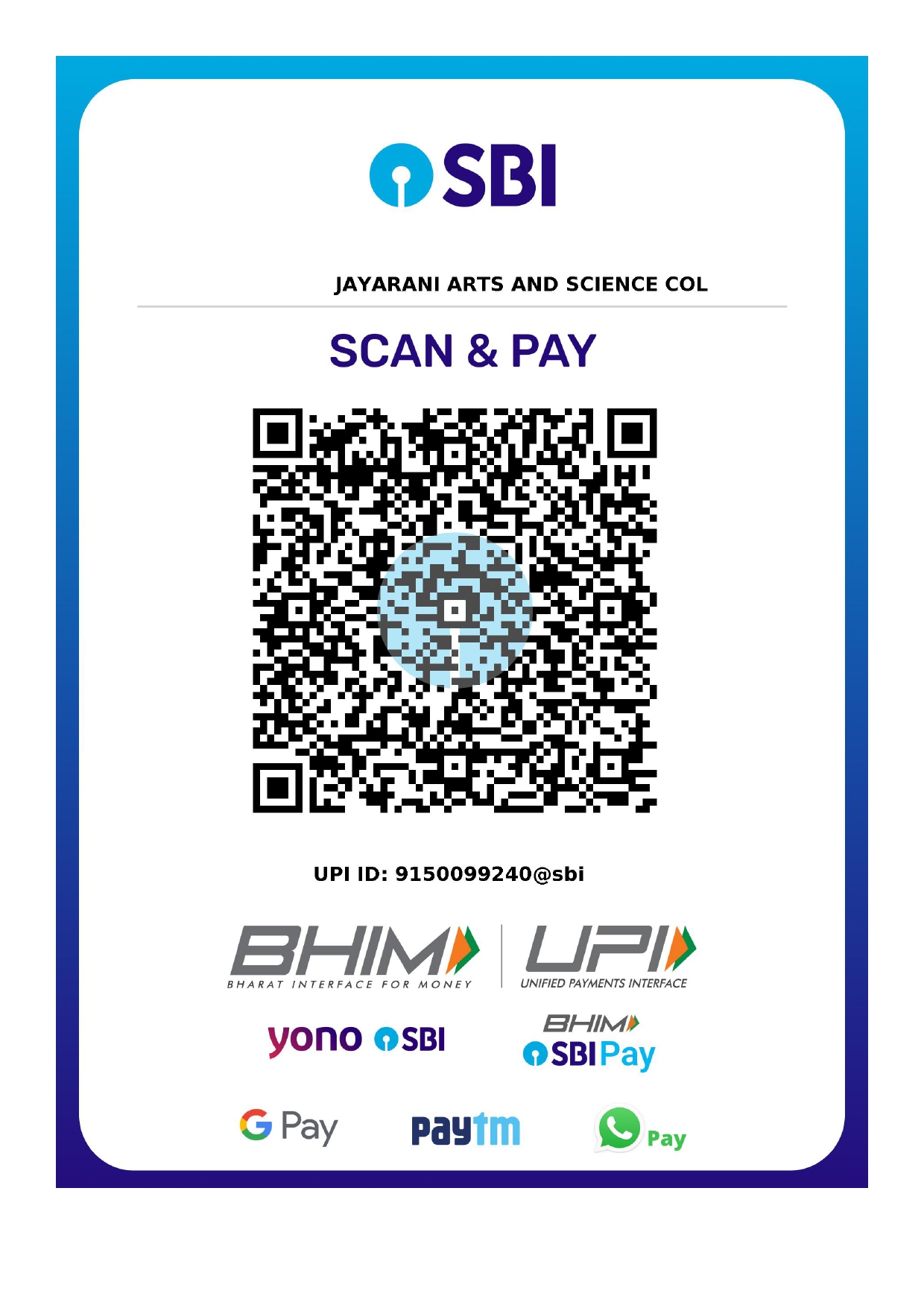
Supported Apps
UPI • GPAY • PHONEPE • PAYTM
Verified Merchant
Payment Guidelines
- 01
Scan the QR code using any UPI-enabled application. Ensure the merchant name displays Jayarani College.
- 02
Enter the exact fee amount. In the "Add a Note" section, strictly mention: Student Name & Reg. No.
- 03
After successful payment, take a screenshot of the Transaction ID and upload it to the student portal for verification.
"Maintaining transparent digital records is a mandatory requirement for Attribute 04 (Infrastructure & Finance) under the 2024 NAAC Binary Framework."
* Compliance: New NAAC Binary Metrics (March 2024) | Samarth E-Governance Aligned